Your room, understood.
Start with one photo of a real room. Catalog3D turns it into a 3D space where a new kitchen can be planned and furniture can be seen in place.
- 01Start with a photo of the room as it is.
- 02Catalog3D finds the walls, floor, window and door.
- 03It estimates the room’s real size and draws a plan.
One room, two ways to use it.
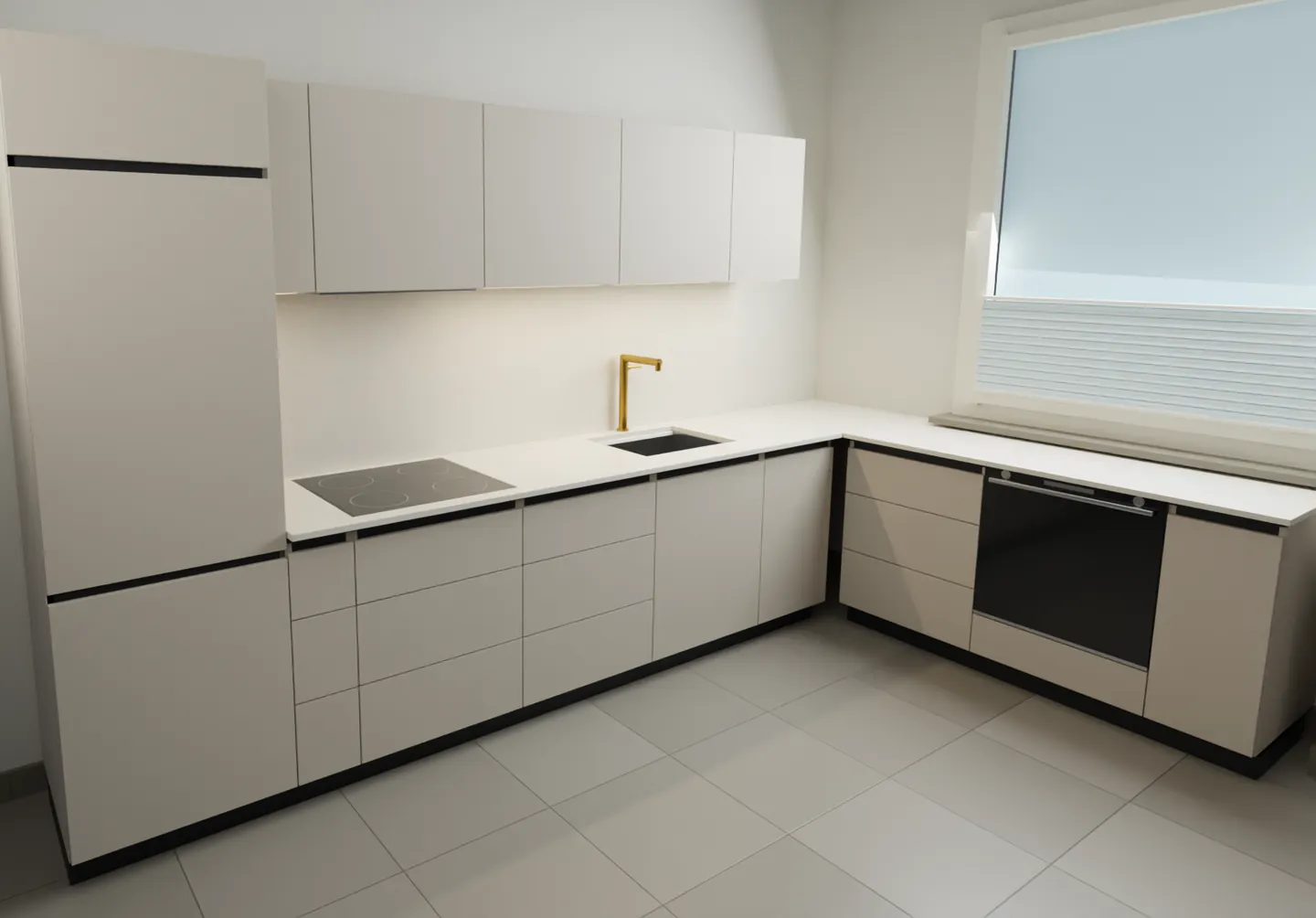
Kitchen Studio
Let customers see their new kitchen, in their own home, before anything is ordered.
We show Kitchen Studio in a personal walkthrough. Tell us about your studio and we’ll set one up.


Room Preview
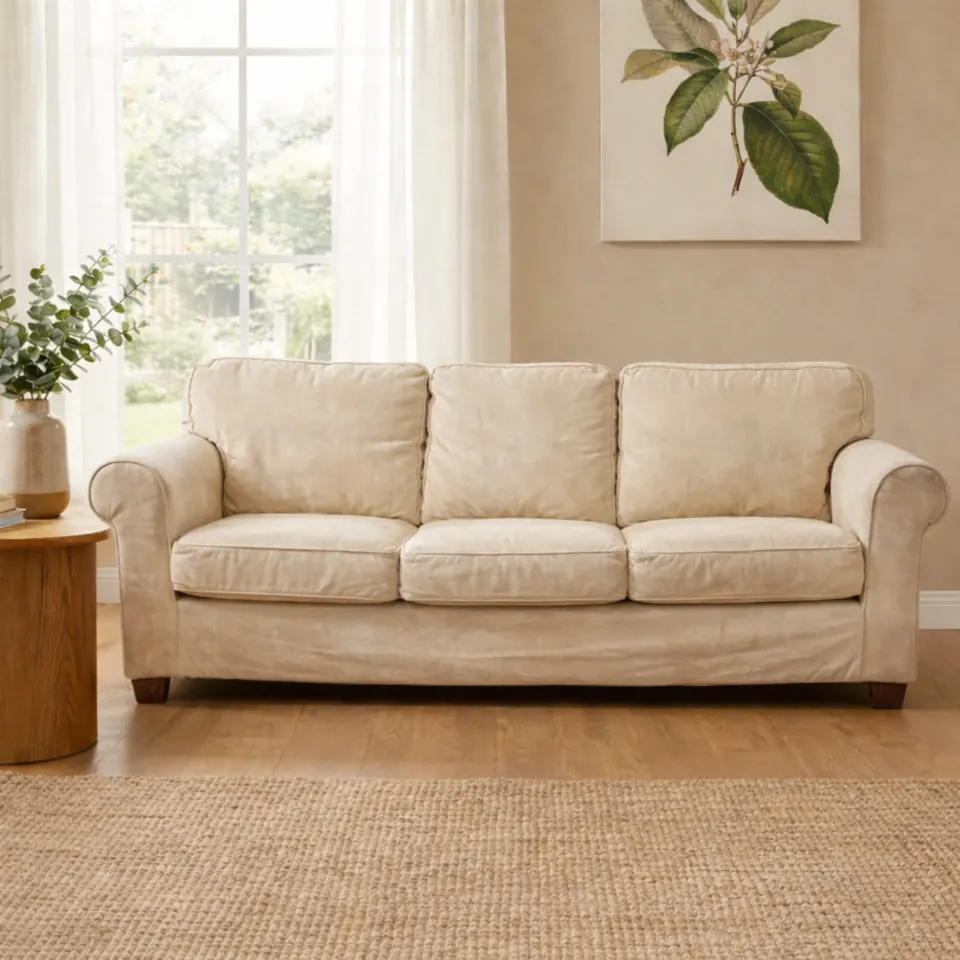
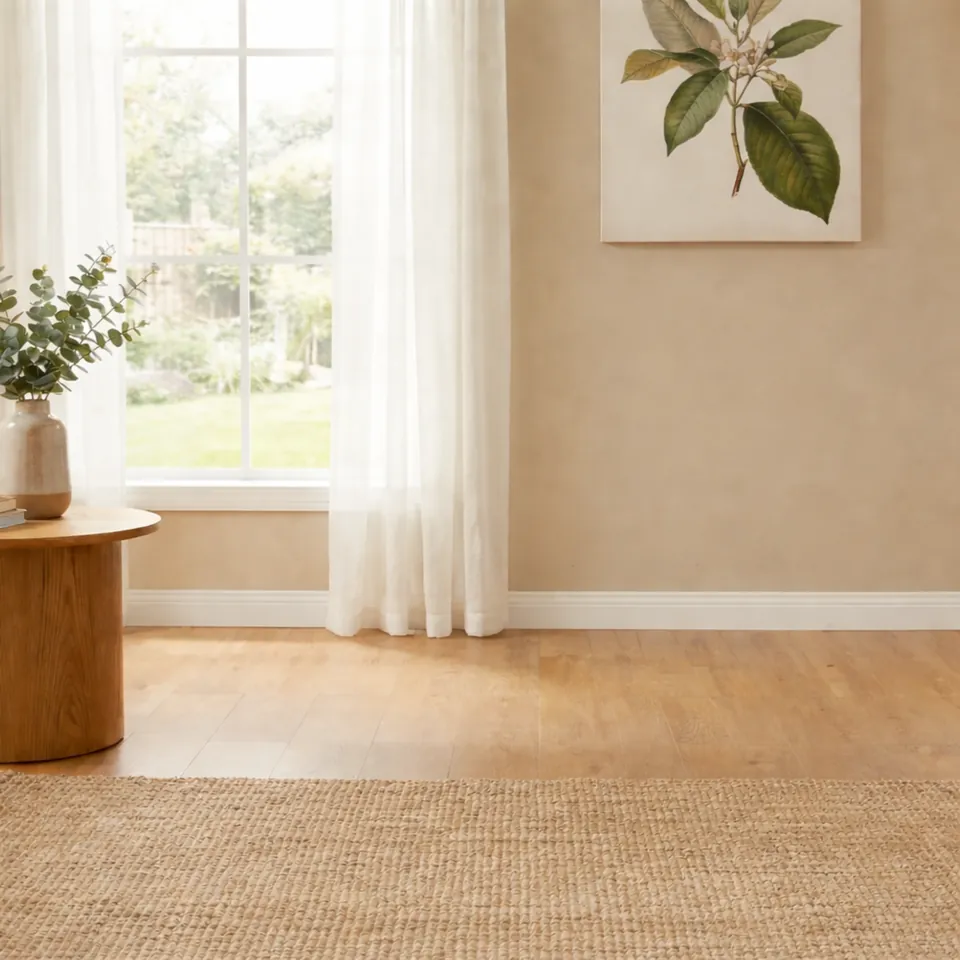
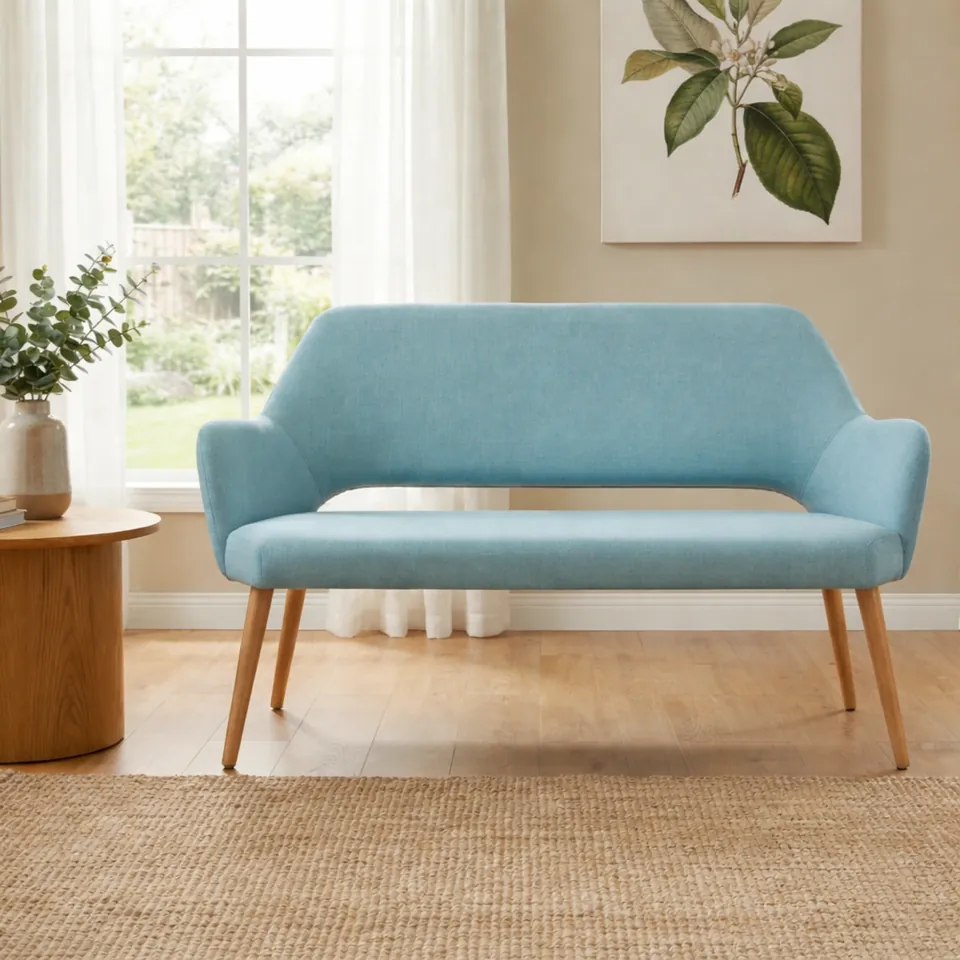
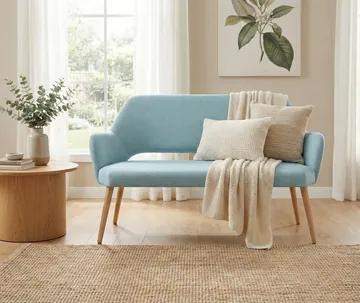
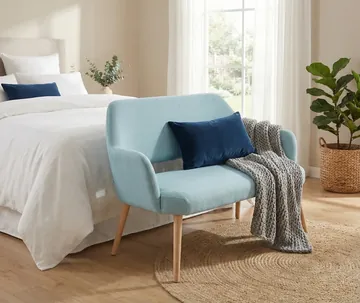
Shoppers take a photo of their own room and see your product in it before they buy. There is no app to install.
- 1The shopper uploads a photo of their room.
- 2They tap what’s in the way, and it’s removed.
- 3Your product is placed on the floor, in perspective.
- 4They move it, turn it and check its size.
3D from the photos you already have
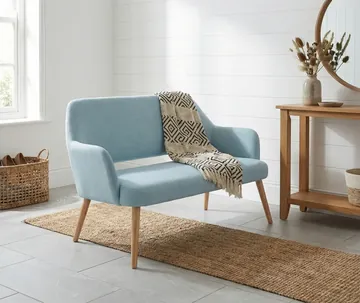
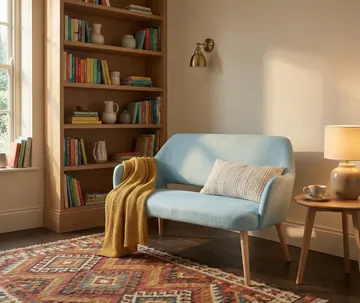
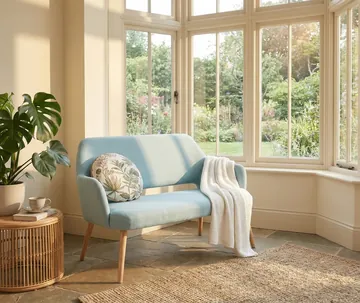
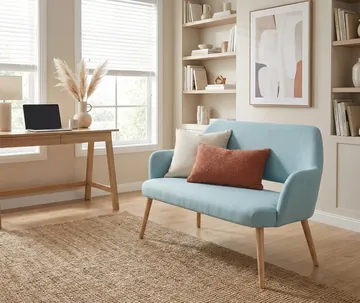
Catalog3D turns the product photos you already have into 3D models that respond to the room’s light.
See it with your own rooms and products.
Tell us what you make or sell. We’ll set up a walkthrough with Kitchen Studio or Room Preview using your own material.